
Backing up photos & data
Photos on the old phone, letters on the computer, pictures on a USB stick in a drawer? We bring everything together, tidy it up and make a backup. So your memories are still there even if a device breaks or gets lost.
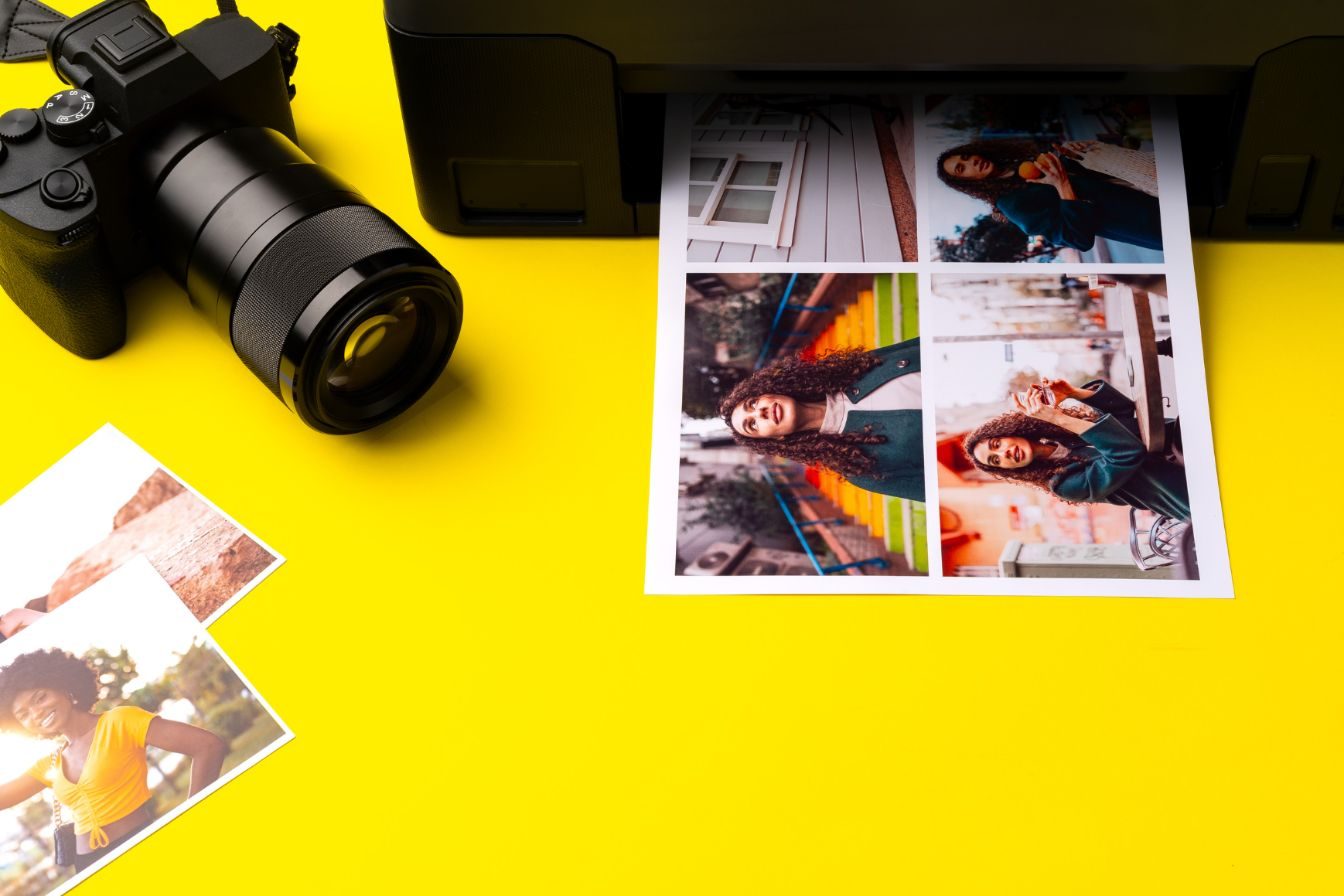
For example, we take care of
- Gathering photos and documents from old phones, computers, USB sticks and memory cards
- Sorting out duplicate photos and putting everything in folders, for example by year or occasion
- Making a backup on an external hard disk
- If you wish, setting up a cloud (iCloud, Google Photos or OneDrive) that backs up your photos automatically
- Checking that the backup really works
Briefly explained
- Backup
- A second copy of your photos and documents in another place. If the original is lost, the copy is still there.
- External hard disk
- A small box, about the size of a phone, that you plug into the computer. Tens of thousands of photos fit on it. Then it goes back in the drawer.
- Cloud
- Storage space on the internet with a large provider such as Apple, Google or Microsoft. Your photos are saved there automatically and reappear on a new phone.
The rule of thumb: whatever matters to you belongs in two places, for example on your phone and also on a hard disk or in the cloud.
This may also suit you
- Robots for house and gardenVacuum and mopping robots, window-cleaning robots and robot lawnmowers: set up, programmed and explained.
- Cameras & smart door locksCameras, video doorbells and smart door locks such as Nuki: set up safely and connected to your phone.
- TV, music & new devicesBought a new device? We advise you first and set it up for you afterwards.
Shall we come round?
Call or write to us. We briefly talk through what it is about and find a time in your home.